
Returns Are the Silent Profit Killer
If you sell used or pre-owned items online, returns eat into your margins more than almost anything else. The shipping cost, the restocking time, the relisting effort, and the risk that the product comes back in worse condition than it left. For most sellers, returns are the single biggest controllable cost in their business.
The main reason buyers return used items is that the product did not match their expectations. They thought the condition would be better based on the listing description and photos. The item arrives, they are disappointed, and they open a return.
Here is the thing: most of these returns are preventable. Not by inflating your condition descriptions, but by doing the opposite. Being brutally honest about condition through video gives buyers complete information before they buy. Buyers who know exactly what they are getting rarely send it back.
Why Video Beats Photos for Condition
Photos can hide things. Not intentionally, but a photo captures one angle, one lighting condition, and one moment. A scratch that is obvious in person might be invisible in a photo depending on how the light hits it. A dent might only show from certain angles. A discoloration might not come through in the color balance of a particular photo.
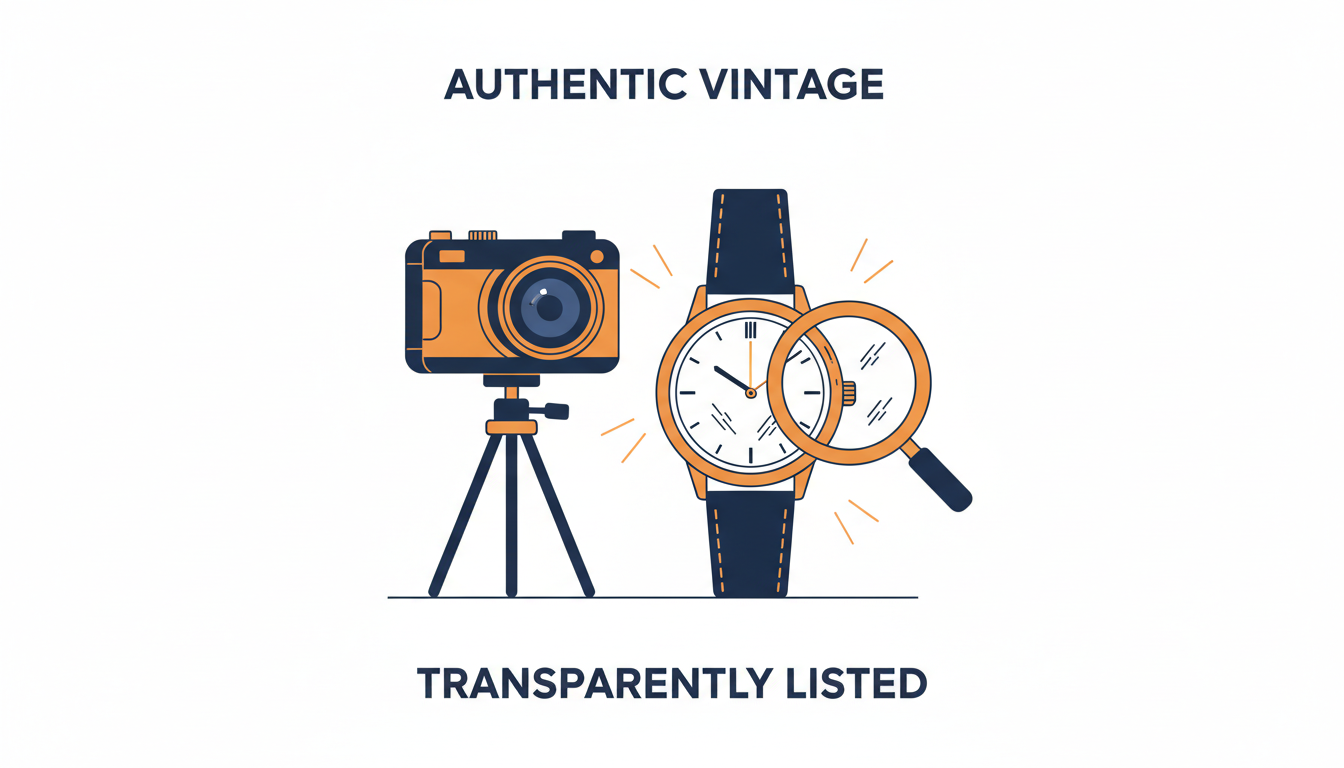
Video shows everything. When you slowly rotate a product on video, every surface catches the light at every angle. Scratches, scuffs, dents, discoloration, wear patterns, and missing parts are all visible in a way that is hard to capture in static images. The buyer sees the product the same way they would if they were holding it in a store.
Video also shows things that photos simply cannot — motion and function:
- Does the screen have dead pixels? Power it on and show it on video.
- Does the motor run? Start it up.
- Does the hinge have play? Open and close it.
These are yes-or-no questions that photos leave unanswered. For a broader comparison, see product video vs photos: when to use each.
Slow Close-Ups of Wear and Damage
The most effective technique for showing condition is a slow, steady close-up. Move the camera in close to any area with wear, damage, or cosmetic issues. Hold it there for a few seconds so the buyer can really look at it. Then move on to the next area.
Do not rush this. The whole point is to give the buyer time to evaluate the condition with their own eyes. If your product has a scratch on the back panel, get close enough that the buyer can judge the depth and severity of that scratch. If there is a chip in the paint, show it from two or three angles.
Narrate if you want — something like pointing out a small scuff on the bottom left corner is helpful. But narration is optional. The visual information is what matters. A silent video that slowly and clearly shows every flaw on a product is more valuable than a five-paragraph written description of the same flaws.
A simple structure that works:
- Overall shot — show the product so the buyer can see the general condition
- Close-ups — move in for any specific areas of concern
- Closing overall shot — give the buyer both the big picture and the details For tips on getting steady close-up footage, see how to shoot product video with your smartphone.
Demonstrating Functionality
For electronics, mechanical items, and anything that does something, demonstration video is the most powerful trust-builder you have. Buyers buying used electronics are worried about one thing above all else: does it work?
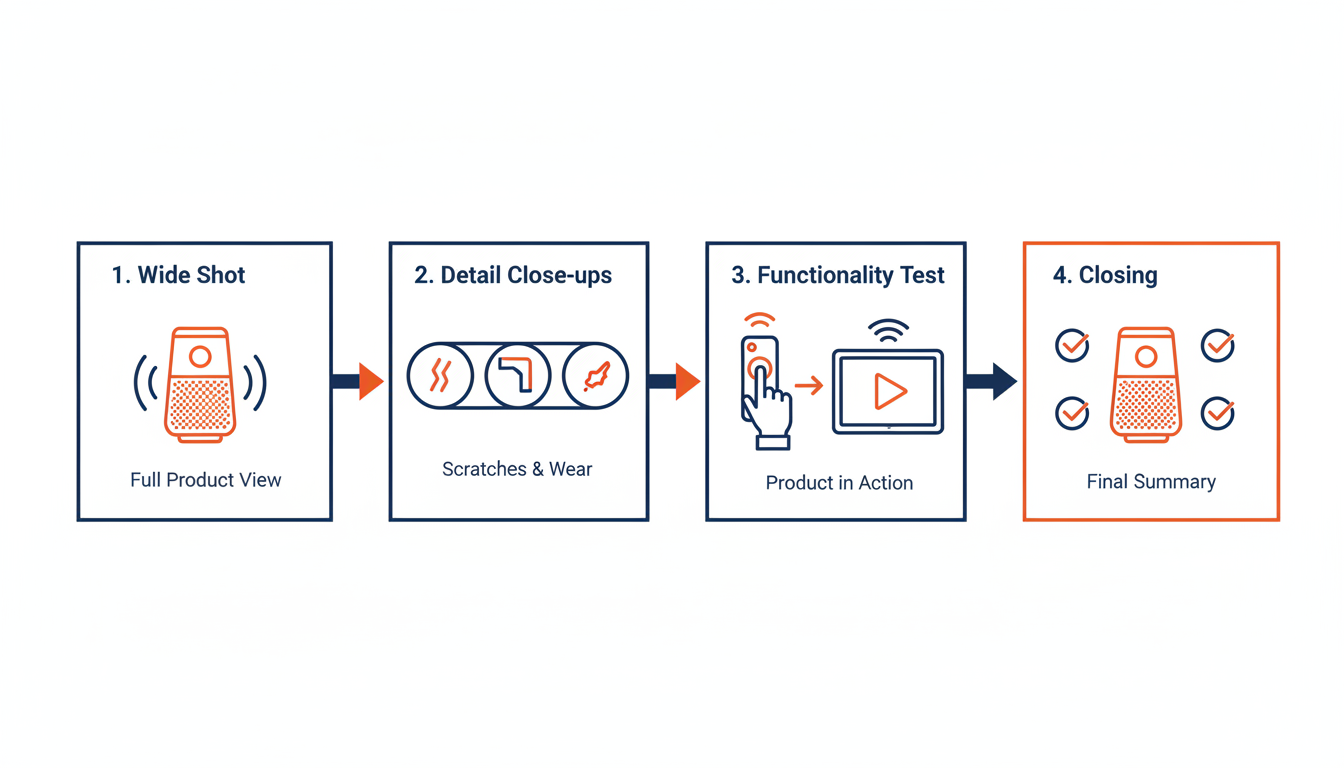
Show it working. Here are examples by category:
- Laptop: Power on, show the screen, open the disc drive, test the keyboard by typing, show that the trackpad works, connect to Wi-Fi
- Gaming console: Show it booting to the home screen
- Power tool: Pull the trigger and show it spinning
- Mechanical items: Wind the clock and show it ticking, open and close the folding knife, pull the starter cord on the engine
If something does not work perfectly, show that too. If a laptop has a dead USB port, demonstrate the working ones and mention that one does not work. If a vintage radio has static on certain frequencies, let the buyer hear it. Honest demonstrations of imperfections build trust. Hiding problems creates returns.
Audio for Items Where Sound Matters
Some products are sold partly on how they sound. Vinyl records, musical instruments, speakers, motors, engines, music boxes, clocks, and mechanical devices all have an audio component to their condition.
For vinyl records, surface noise is one of the most important condition factors. A 30-second recording of the record playing tells a buyer more about condition than any grading standard can. They hear the pops, the crackle, the surface noise, and they can decide for themselves whether the condition is acceptable.
Sellers who include audio clips with their vinyl listings report significantly fewer returns related to condition disagreements.
For musical instruments, buyers want to hear the tone, sustain, intonation, and any buzzing or dead notes. These clips do not need to be musical performances — they are diagnostic. The buyer is listening for problems, not artistry.
eCommercePlayer supports both video and audio players for exactly this reason. You can upload a video showing the physical condition and a separate audio clip demonstrating the sound quality — or combine them in a playlist player so the buyer gets the full picture in one place. See also our guide on why product video increases sales for how audio fits into the broader conversion picture. For a detailed look at audio for instruments, see how to sell musical instruments online with audio and video.
Honest Video Is Good Business
Some sellers resist showing flaws on video because they worry it will scare off buyers. In practice, the opposite happens. Buyers appreciate honesty and reward it with purchases and positive feedback.
When a buyer sees a condition video that clearly and honestly shows every flaw, they think: this seller has nothing to hide. They trust the listing more, not less. And when the item arrives matching exactly what they saw on video, they leave positive feedback instead of opening a return case.
The math works out strongly in favor of honest condition videos. A product video takes five minutes to shoot. A return takes days to process and costs you shipping both ways. If honest video prevents even one return per month, it has paid for the time you spent creating it many times over.
The sellers who do this best treat their condition videos like a visual inspection report. They go through the product systematically, showing every surface, demonstrating every function, and noting every flaw. Buyers who watch the full video and still buy are committed buyers. They know what they are getting. And that is the kind of sale that stays sold.
Related Articles
Ready to add media to your listings?
Create your free account in under a minute. No credit card required.