
Your Phone Is Good Enough
Stabilization: Stop the Shaky Footage
Nothing makes a product video look amateur faster than shaky footage. Buyers are trying to inspect your product. If the camera is bouncing around, they cannot see the details and they will click away.
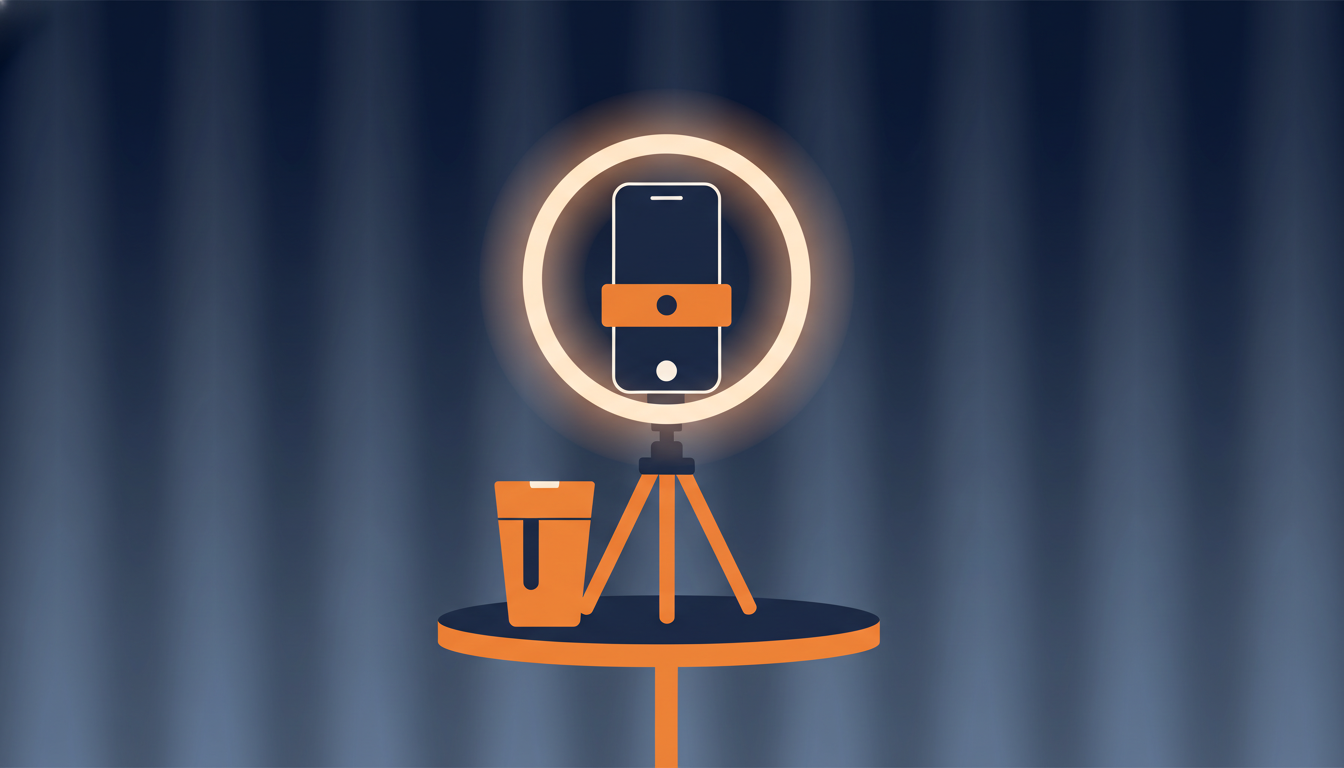
The simplest fix costs nothing: lean your phone against something stable. A stack of books, a coffee mug, a box. Prop the phone at the right angle and let it sit. This works surprisingly well for static shots where you rotate the product in front of the camera.
If you shoot product video regularly, spend $15-25 on a phone tripod mount. There are dozens on Amazon. Get one with flexible legs so you can position it at different angles. A small tabletop tripod is perfect for product video because your subject is usually on a table or desk anyway.
One more tip: if you are holding the phone, tuck your elbows into your sides. This turns your body into a stabilizer. Move slowly and deliberately. Quick pans and jerky movements are the enemy of good product video.
Lighting: The Biggest Difference Maker

Framing and Orientation
Always shoot in landscape orientation. Turn your phone sideways. Most product video players, listing pages, and embedded players display in a widescreen format. Vertical video leaves big black bars on the sides and wastes screen space.
Fill the frame with your product. Buyers clicked on your listing because they want to see the item, not your desk, your wall, or your cat in the background. Get close enough that the product takes up most of the frame. For small items like jewelry or electronics, you might need to get within a foot of the product.
Leave a little breathing room around the edges. You do not want the product crammed right up against the edge of the frame. A thin border of background on all sides looks intentional and professional.
If you are showing a large product, start with a wide shot to establish size and context, then move in for close-ups of important details. For a guitar, show the whole instrument first, then zoom in on the fretboard, the body finish, and any wear marks.
Background: Keep It Clean
A cluttered background makes your product video look unprofessional and distracts buyers from the item. You do not need a photography studio. You need a clean surface and a plain backdrop.
A white poster board from a dollar store works perfectly. Lean it against the wall behind your product and lay it flat under the product to create a seamless curved background. This is the same technique professional product photographers use, just without the expensive equipment.
A clean kitchen counter, a solid-color tablecloth, or even a large sheet of paper will work. The goal is to remove visual clutter so the buyer's eye goes straight to the product.
For larger items that will not fit on a table, find a spot with a plain wall behind it. Move anything distracting out of the frame. Buyers notice a messy background even if they do not consciously think about it. It affects their perception of how well you take care of the items you sell.
Length, Editing, and Getting It Published
Keep your product video between 30 and 90 seconds. Buyers are browsing. They are not watching a documentary about your vintage radio. Show the key details, demonstrate that it works, highlight condition, and wrap it up.
If you have a lot to show, make multiple short clips instead of one long video. eCommercePlayer supports playlist players, so you can group related clips together. A buyer can watch the ones they care about and skip the rest.
For editing, your phone has everything you need built in. Both iPhone and Android have native video editors that let you trim the beginning and end of a clip. That is usually all the editing a product video needs. Cut the part where you reach for the record button and the part where you fumble to stop it. Done.
You do not need transitions, title cards, music, or special effects. These actually hurt product video because they slow things down and feel like marketing instead of honest product information. Buyers want to see the product, not a production.
Once your clip is trimmed, upload it to eCommercePlayer, create a player, and grab the embed code. For eBay listings, use the Image Link method since eBay blocks iframes. For Shopify or your own website, use the standard embed code. The whole process from filming to published listing takes about five minutes once you have done it a few times.
Related Articles
Ready to add media to your listings?
Create your free account in under a minute. No credit card required.