
Keep It Short
The ideal product video for e-commerce is 30 to 90 seconds. Buyers are browsing, not watching a documentary — show the key details and move on. If you have a lot to show, consider making multiple short clips as a playlist rather than one long video.
Lighting Matters More Than Camera Quality
You do not need a fancy camera. A modern smartphone shoots video that is more than good enough for product listings. What you do need is good lighting.
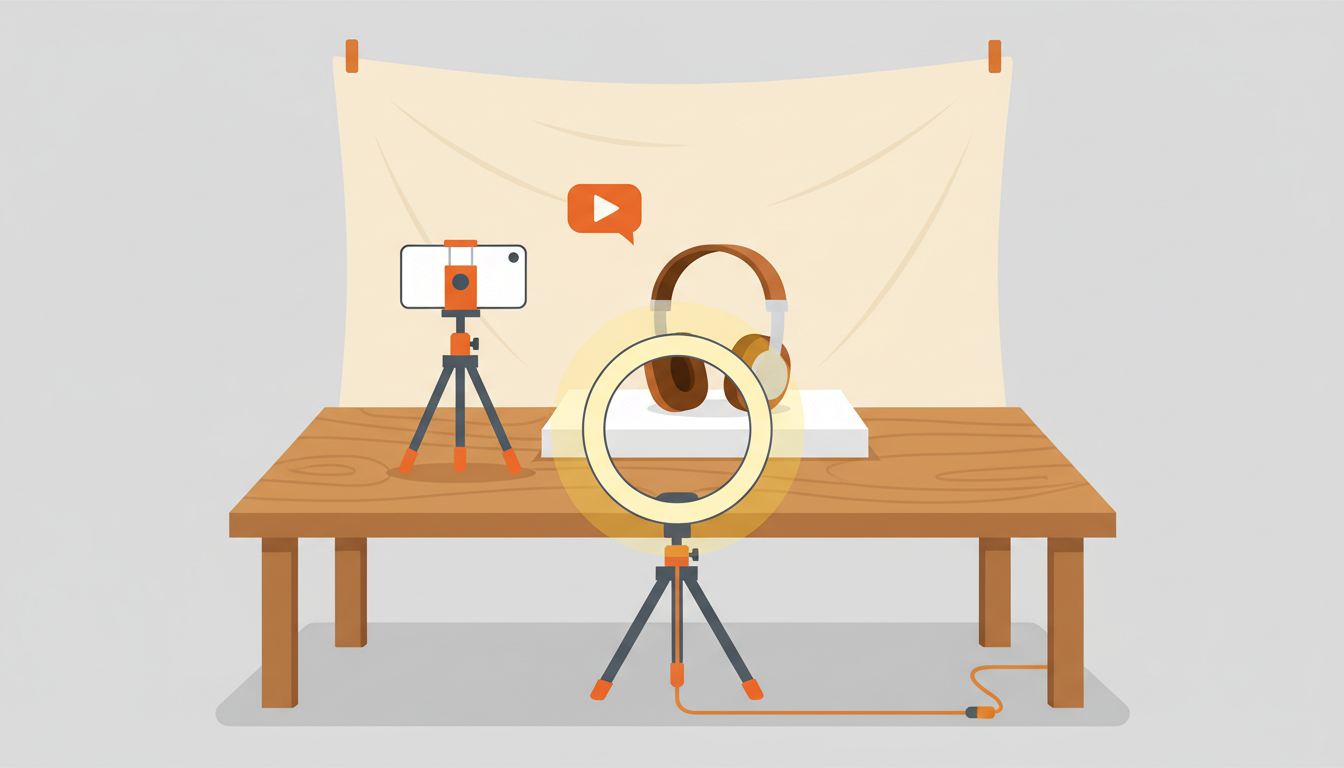
- Natural light from a window is free and effective — place your product near a window during the day
- Avoid overhead fluorescent lights, which create harsh shadows and unflattering color casts
- If you shoot a lot of product video, a $20–30 ring light or desk lamp will make a noticeable difference in your results
The gap between a well-lit smartphone video and a poorly lit DSLR video is enormous. Light first, gear second. For more tips on getting the most out of your phone camera, see how to shoot product video with your smartphone.
Show Multiple Angles
The biggest advantage of video over photos is motion. Slowly rotate the product to show it from every angle. Tailor what you show to the category:
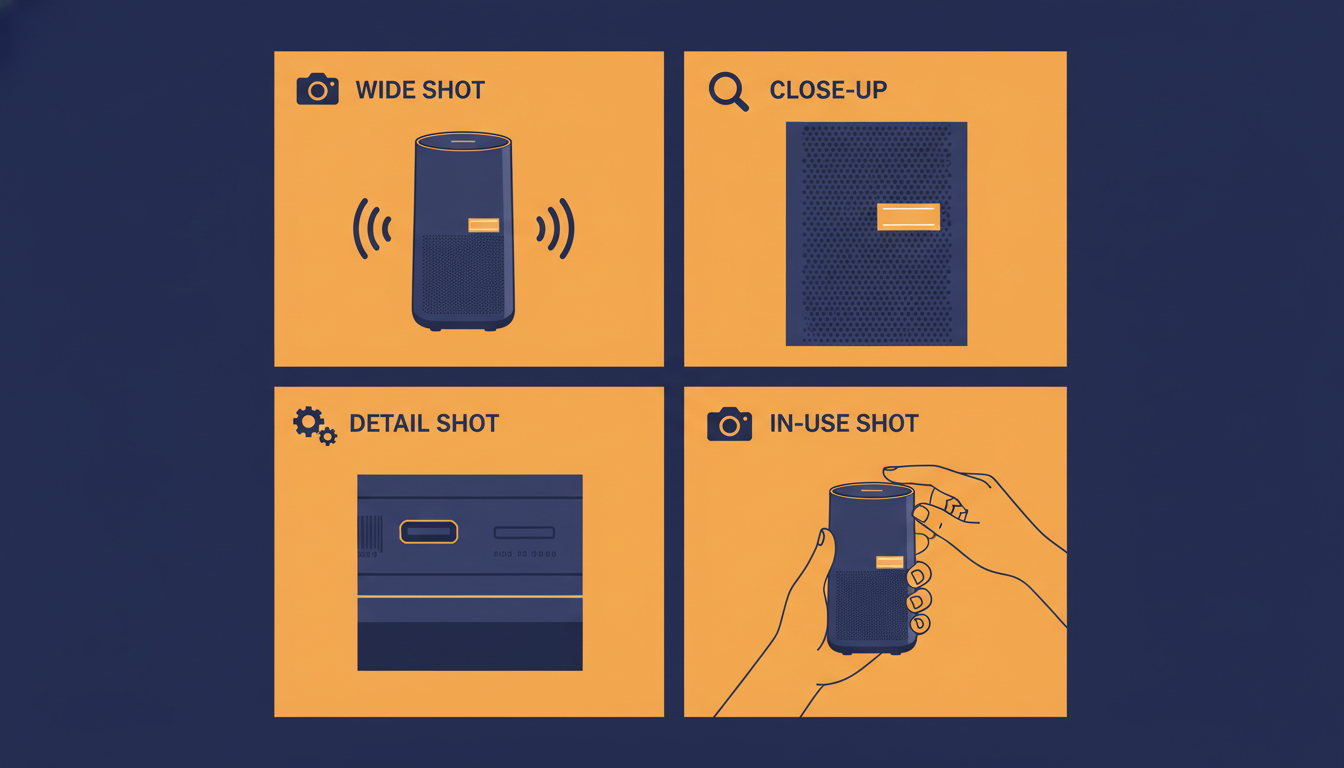
- Clothing — front, back, and close-ups of fabric texture and labels
- Electronics — all ports, buttons, and the screen powered on
- Collectibles — any marks, scratches, or wear that affects grading
- Mechanical items — moving parts in action
A buyer who can see your product from every angle in a single 60-second clip will feel far more confident than one who has to piece together a mental picture from static photos.
Include Audio When It Matters
If you sell items where sound is relevant, audio is a huge differentiator. Consider these examples:
- Record a vinyl record playing to let buyers assess pressing quality
- Demonstrate a musical instrument's tone and response
- Show that an engine starts and runs smoothly
- Play a music box or mechanical toy so buyers can hear its condition
Audio clips give buyers information they simply cannot get from photos. eCommercePlayer is one of the only platforms that supports audio-only players for product listings — upload an MP3 or WAV file and create an audio player just as easily as a video player. This is especially powerful for vinyl and instrument sellers; see Why Every Vinyl Record Seller Needs an Audio Player for more on that.
Demonstrate Functionality
If your product does something, show it doing that thing. Demonstration builds buyer confidence that the product works as described — words and photos cannot match it.
- A power drill spinning under load
- A vintage clock ticking with a smooth sweep hand
- A laptop booting up and showing the desktop
- A music box playing its full melody
Buyers who see a product functioning are significantly less likely to request returns due to 'item not as described.' Demonstration is your best defense against disputes. For a deeper look at this technique, read how to show product condition on video.
Invest in Your Thumbnails
On platforms like eBay where you use the image-link method, your video thumbnail is the first thing buyers see — it has to earn the click. eCommercePlayer automatically generates a thumbnail from your video, so make sure the first frame of your video looks good. A blurry or dark opening frame means buyers may skip right past it.
For higher-traffic listings, consider uploading a custom thumbnail image: a clean, well-lit still of the product at its most visually appealing. Think of it the same way you would think about your gallery photo in search results — it is the entry point to everything else. For a full breakdown of how to embed your thumbnail in an eBay listing, see How to Add Video to eBay Listings After the Active Content Ban.
Related Articles
Ready to add media to your listings?
Create your free account in under a minute. No credit card required.