
Instruments Are Made to Be Heard, Not Just Seen
If you sell musical instruments online, you already know the challenge. A guitar can look perfect in photos but sound dead. A trumpet can have invisible valve issues. A piano's action might stick on certain keys. Photos tell buyers what an instrument looks like, but buyers care about how it sounds and plays.
This is why musical instruments are probably the single best product category for audio and video in e-commerce. No other type of product benefits more from multimedia listings. A buyer considering a $500 guitar is not going to commit based on photos alone if they can find a competing listing where the seller actually demos the instrument.
Instrument sellers are consistently among our most successful users — their listings get more engagement, more watch list adds, and they report fewer returns because buyers know exactly what they are getting.
I have been running eCommercePlayer since 2008, and this pattern holds true across every instrument category we see on the platform.
Recording a Sound Demo: Easier Than You Think
You do not need a recording studio. You do not need a professional microphone. You need a quiet room and a smartphone. That is it.
For acoustic instruments like guitars, violins, ukuleles, and horns, find the quietest room in your house. Turn off any fans, TVs, or anything that hums. Hold your phone about two to three feet from the instrument and record yourself playing. Hit a few open chords, run a scale, strum a progression. For a guitar, play both fingerpicked and strummed. The goal is to capture the tone, sustain, and resonance of the instrument.
For electric instruments, you have two options. Record the amp output by placing your phone a couple feet from the speaker, or plug into an audio interface and record a direct signal. The amp recording is actually more useful for buyers because it shows what the instrument sounds like in a real playing situation. Play clean, then play with some overdrive or effects if relevant.
For pianos and keyboards, play a few bars across the full range of the keyboard. Hit the low end, the middle, and the high end. Play some chords. If the piano has a sustain pedal, use it. Buyers want to hear the full voice of the instrument.
Keep the demo to 30–60 seconds. Play something simple that showcases the instrument's sound. This is not a performance. It is a product demo. For more recording tips, see our guide to shooting product video with your smartphone.
Video for Condition and Functionality
While audio tells buyers how an instrument sounds, video tells them what physical condition it is in and whether everything works mechanically. These are different types of information, and the strongest listings include both.
For guitars, slowly pan across the body to show any dings, scratches, or finish wear. Show the fretboard up close so buyers can see fret wear. Demonstrate the tuning machines by turning them. Show the electronics working by plugging in and toggling the pickup selector, turning the volume and tone knobs. Show the neck joint and heel. For acoustic guitars, point the camera into the sound hole to show the interior bracing.
For brass and woodwind instruments, show all the valves or keys operating smoothly. Demonstrate the slide action on a trombone. Show the mouthpiece. Show any lacquer wear, dents, or patina. For vintage horns, patina and wear can actually be desirable, so make sure to show it clearly.
For keyboards and pianos, show every key being pressed. Buyers want to confirm no keys are stuck, dead, or significantly louder or quieter than their neighbors. Show the pedals working. For electronic keyboards, show the display and menu navigation.
Keep your video between 30 and 90 seconds. Show the overall instrument first, then move to close-ups of specific areas. See how to show product condition on video for more techniques that translate directly to instrument listings.
Using Audio and Video Together in One Player
The most effective instrument listings combine both audio and video. The video covers the visual inspection and mechanical function. The audio covers the sound quality and tone. Together, they give the buyer a complete picture of the instrument without physically holding it.
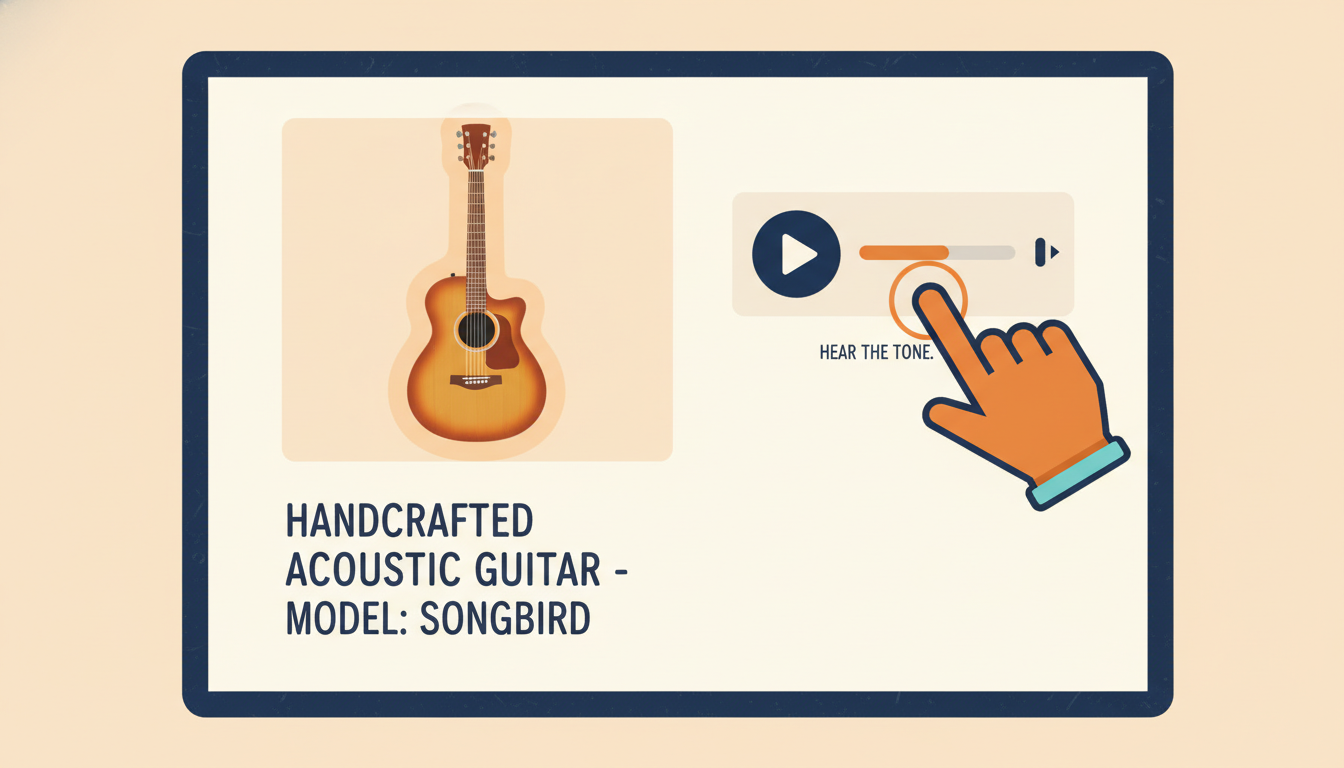
eCommercePlayer supports both audio and video files in a single embedded player. You can upload a video walkthrough and an audio demo, add them both to one player, and embed that player in your listing. The buyer sees a playlist with both clips and can watch or listen to whichever interests them.
This is something you cannot do with YouTube or most other video platforms. YouTube does not support audio files at all — you would have to create a fake video with a static image just to upload an audio clip. With eCommercePlayer, you upload the MP3 or WAV directly and it plays in a native audio player.
For eBay listings, use the image-link method to embed your player. The buyer sees a clickable thumbnail in your listing description. When they tap or click it, the full player opens in a new tab with both your video and audio clips ready to play. For a deeper look at how this compares to YouTube, see eCommercePlayer vs YouTube for product listings. If you also sell vinyl records, see why every vinyl record seller needs an audio player.
Tips for Specific Instrument Categories
Guitars are the most commonly sold instruments online. For acoustic guitars, the audio demo matters more than almost anything else. Record in a quiet room, play a mix of strumming and fingerpicking, and let the notes ring out so buyers can hear the sustain. For electrics, show clean and overdriven tones, and demonstrate the pickup positions.
Drums and percussion are tricky to record with a phone because the volume can clip the microphone. Pull your phone back to four or five feet and reduce the phone's microphone sensitivity if your recording app allows it. A short clip of a snare roll, some tom fills, and a few cymbal hits covers the essentials.
Brass instruments benefit enormously from audio. A trumpet or saxophone buyer wants to hear the tone quality and whether the intonation is consistent. Play a simple scale and hold a few long tones. For horns with valves, the buyer is also listening for valve noise or sticking.
String instruments like violins, cellos, and upright basses should be recorded in a room with minimal echo. Play open strings, a short scale, and a few double stops if applicable. Show the bow condition in your video along with the bridge, tailpiece, and any cracks or repairs.
Vintage and collectible instruments deserve extra attention. Document any repairs, modifications, or replaced parts on video. If the instrument has provenance or unusual features, call those out. For high-value pieces, buyers expect thorough documentation, and multimedia is the most efficient way to provide it.
Getting Started with Your First Instrument Listing
Pick one instrument from your current inventory and give this a try. Record a 30-second audio demo and a 45-second video walkthrough. You can use your phone for both.
Create a free eCommercePlayer account, upload both files, and add them to a single player. Copy the image-link embed code and paste it into your eBay listing description. The whole process takes about 15 minutes once you have done it once.
The free plan includes 5 clips, which is enough to test this on a few instruments without any cost. Most instrument sellers who start adding audio and video to their listings see a noticeable difference in buyer engagement. Returns go down because buyers know exactly what the instrument sounds like before they buy. And in a market where most sellers rely on photos alone, multimedia listings stand out immediately.
Related Articles
Ready to add media to your listings?
Create your free account in under a minute. No credit card required.