
Your Title: 80 Characters, Keywords First
Your eBay title is the single most important piece of text in your listing. It is how Cassini (eBay's search algorithm) decides whether to show your listing when someone searches. You get 80 characters — use them wisely.
Put your most important keywords at the front of the title. Cassini gives slightly more weight to words that appear earlier. If you are selling a vintage Fender guitar, start with those words: Vintage Fender Stratocaster Electric Guitar 1972 Sunburst with Original Case. Do not start with filler like 'Amazing!' or 'Look!' or 'L@@K' — those waste characters and add nothing for search.
Use the words that buyers actually search for. Think about what you would type into the eBay search bar if you were looking for your item:
- Brand name and model
- Size, color, condition, and year
- Check completed listings for similar items to see what titles successful sellers use
Do not stuff keywords that are not relevant to your item. If your guitar is not a Les Paul, do not put 'Les Paul' in the title hoping to attract those buyers. eBay penalizes keyword stuffing, and even if the listing shows up, buyers who wanted a Les Paul are going to click away immediately — which hurts your listing metrics.
Item Specifics: Fill Every Single Field
Item specifics are the structured data fields that eBay provides for each category: brand, size, color, material, condition, and so on. Cassini uses these heavily for search filtering. When a buyer narrows results by brand or size using the sidebar filters, your listing only shows up if you filled in those fields.
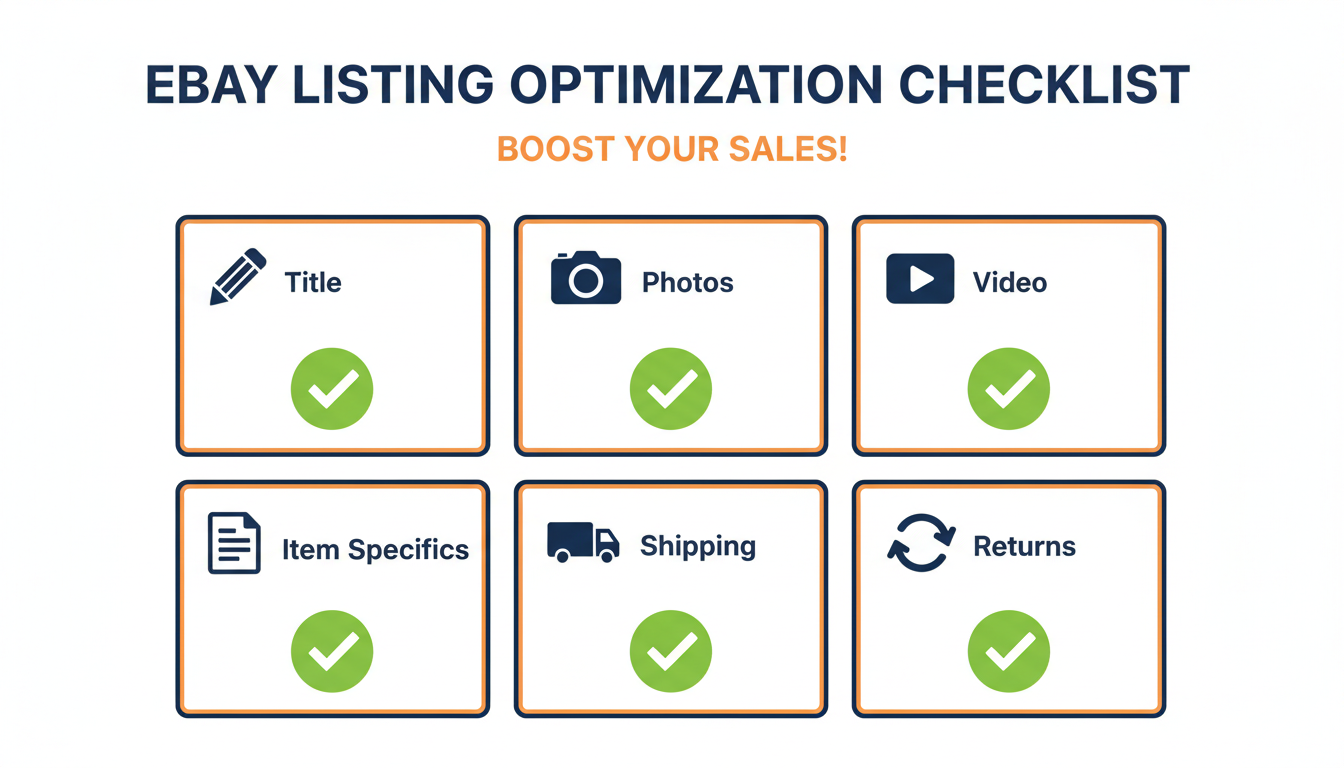
Fill in every item specific that eBay offers, even the optional ones.
An item with 5 filled item specifics shows up in far fewer search results than one with 15.
Be accurate. Do not guess or approximate. If you are not sure about a material, look it up. If the size is between two standard options, pick the closest one and mention the exact measurement in your description. Wrong item specifics lead to returns and negative feedback, both of which hurt your search ranking.
eBay occasionally adds new item specifics to categories. Check your active listings periodically to see if there are new fields you can fill in — the Seller Hub sometimes highlights listings with incomplete item specifics. As we explain in How eBay's Cassini Algorithm Affects Your Listings, this is the highest-return task per listing in your entire optimization workflow.
Photos: Use All 12 Slots
eBay gives you 12 free photo slots per listing. Use all of them. More photos rank better in search because they signal a complete, trustworthy listing. Buyers spend more time on listings with more photos, which also improves your search metrics.
Your first photo is the gallery image that shows up in search results. It needs to be clean, well-lit, and show the product clearly against a white or neutral background. This single image determines whether a buyer clicks on your listing or scrolls past it.
For the remaining photos, show every angle and detail a buyer would want to inspect in person:
- Front, back, top, bottom
- Close-ups of labels, serial numbers, damage, accessories, original packaging
- For electronics, show the device powered on
- For clothing, show the fabric texture and any imperfections
Use natural light or a simple desk lamp. Avoid flash, which creates harsh reflections especially on shiny or metallic products. A white poster board behind and under the product gives you a clean background for almost nothing.
Video: The Image-Link Method
Adding video to your eBay listing is one of the highest-impact optimizations you can make. Listings with video get more engagement, longer view times, and better conversion rates. But since eBay banned iframes and scripts in May 2024, you need to use the image-link method.
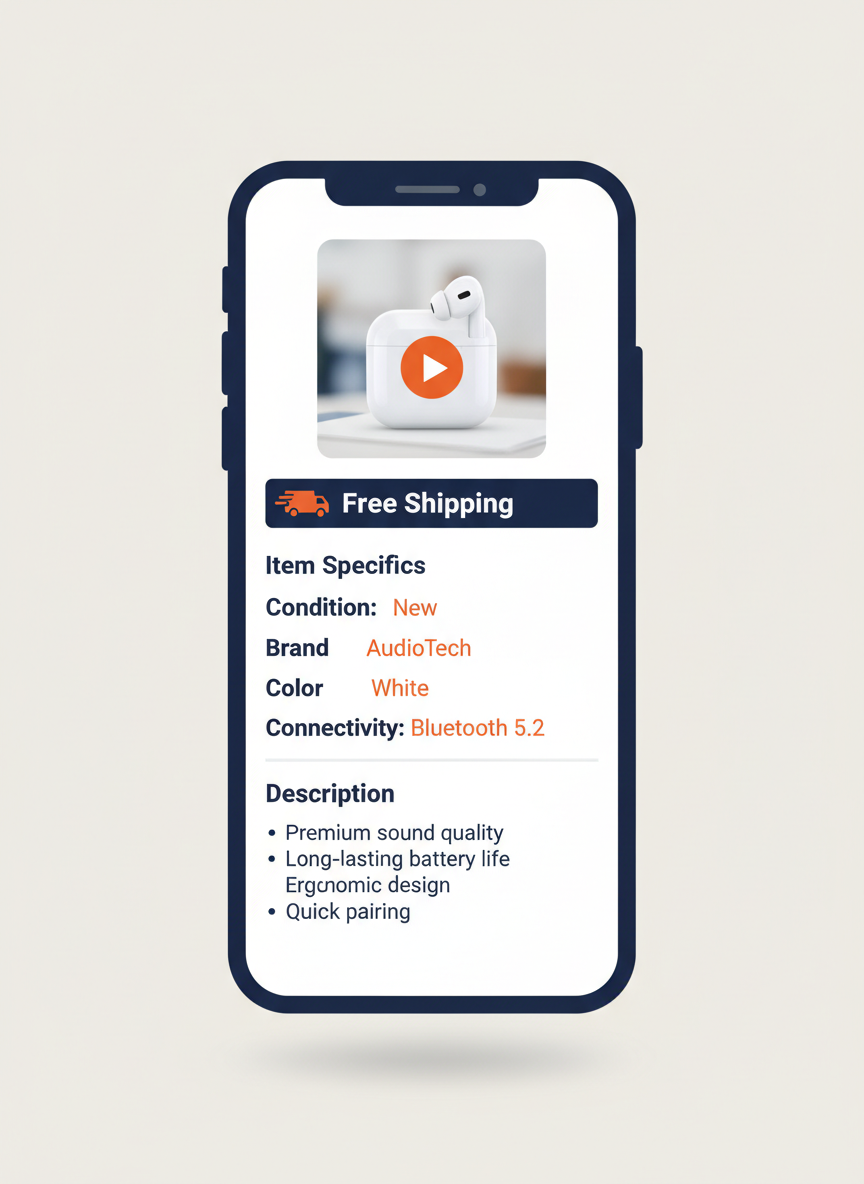
Here is how it works:
- Upload your video to eCommercePlayer (or another hosting service that supports this method)
- Create a player
- On the Publish page, grab the Image Link code
- Paste the image-link code into the HTML of your listing description
The buyer sees a video thumbnail in your listing. When they click it, the video plays in a new tab. It is not an inline embed, but it works reliably and is fully compliant with eBay's current policies. For a detailed walkthrough, see How to Add Video to eBay Listings After the Active Content Ban.
Video is especially valuable for categories where condition matters: used goods, vintage items, electronics, musical instruments. A 30-second video showing the product working and its physical condition builds trust that photos alone cannot match. eCommercePlayer's free plan gives you 5 clips to try this out. For detailed guidance, see our product video tips for eBay sellers in 2026.
Description: Structured and Scannable
Many sellers write their descriptions as one long paragraph. Buyers do not read those — especially on mobile where a wall of text is painful to scroll through. Structure your description so it is easy to scan.
Start with a brief summary of the product: what it is, its condition, and the most important details. Then break the rest into short sections:
- Dimensions — exact measurements, not estimates
- Features — what makes this item worth buying
- Condition details — honest, specific, thorough
- What is included — every accessory and piece of original packaging
- What is not included — set expectations clearly
Use short paragraphs and bullet points. Bold the labels. A buyer should be able to glance at your description and find the information they need in a few seconds.
Do not repeat your item specifics word for word in the description. Use the description to add context and details that do not fit in the item specifics fields: backstory on the item, compatibility notes, or condition nuances that deserve more explanation.
Shipping, Returns, and Pricing
These three factors directly affect your Cassini ranking and your conversion rate. Getting them right is just as important as your title and photos.
| Factor | Best Practice | Cassini Impact |
|---|---|---|
| Shipping cost | Free shipping (build cost into price) | Ranking boost confirmed by eBay |
| Handling time | Same-day or 1 business day | Positive ranking signal |
| Return window | 30-day returns | Higher ranking than 14-day or no returns |
| Pricing | Based on completed sold listings | Affects conversion rate and metrics |
Free shipping ranks higher in eBay search — eBay has confirmed this multiple times. If you can build shipping cost into your item price and offer free shipping, do it. Buyers prefer it, Cassini rewards it. If your item is too heavy or expensive to ship for free, use eBay's calculated shipping option so buyers see an accurate cost based on their location.
Offer a 30-day return policy. Yes, returns are annoying — but the improved search visibility and buyer confidence usually more than offset the occasional return. If you accurately describe your items and include good photos and video, return rates stay low.
For pricing, sort completed listings by 'Sold' to see what prices actually closed at, not what other sellers are hoping to get. An overpriced listing that sits for months hurts your seller metrics, which hurts all your other listings too.
The Final Check: Mobile Preview
Before you publish, pull up the listing preview on your phone.
Over 60% of eBay traffic is mobile. (See our full guide on mobile shopping and product media.) What looks great on your desktop monitor might be unreadable on a phone.
Run through this quick checklist:
- Photos are clear at a small size
- Description is scannable and not a wall of tiny text
- Video thumbnail is visible and not cut off
- Price and shipping cost are clearly displayed
This 60-second check catches problems that cost sales. I talk to sellers regularly who did not realize their listing description was a formatting mess on mobile until a buyer mentioned it. Do not be that seller — check it yourself before publishing.
Optimization is not about doing one thing perfectly. It is about doing everything reasonably well. A listing with a good title, complete item specifics, 12 photos, a video, a clean description, free shipping, and 30-day returns is going to outperform a listing that nails one of those and ignores the rest. If you want to know which of these elements sellers most commonly skip, see 5 eBay Listing Mistakes That Cost You Sales.
Related Articles
Ready to add media to your listings?
Create your free account in under a minute. No credit card required.