
Your Listings Are Losing Sales and You Might Not Know Why
I have been running eCommercePlayer since 2008, and I have seen thousands of eBay listings from sellers at every level. The sellers who consistently move product are not doing anything magical — they are just avoiding a handful of common mistakes that most sellers make without realizing it.
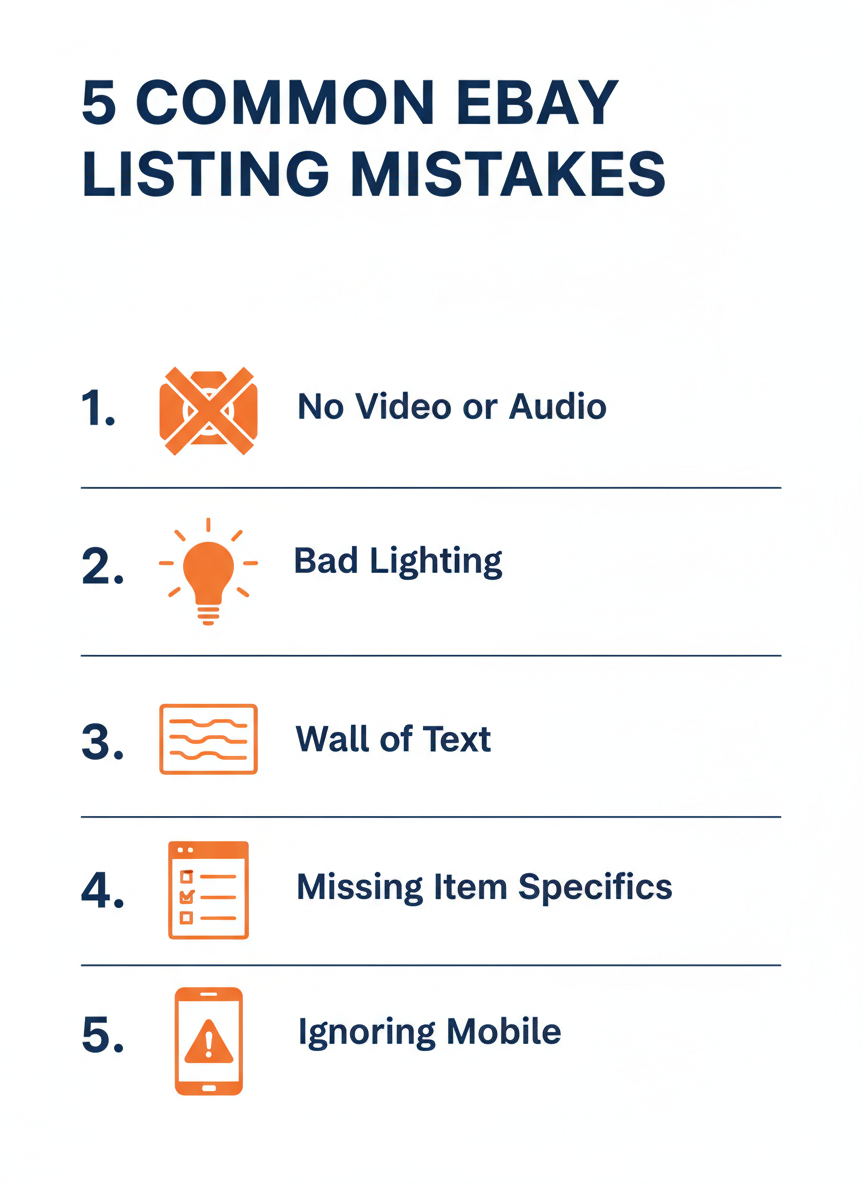
These are not obscure tricks or insider secrets. They are practical fixes that take minutes to implement and can make a real difference in whether a buyer clicks 'Buy It Now' or scrolls past your listing. Let me walk through the five biggest ones.
Mistake 1: No Media Beyond Static Photos
Most eBay listings have photos. That is the bare minimum. But photos alone leave a lot of information on the table, especially for used goods, collectibles, electronics, and anything where condition matters. A photo can show what something looks like from one angle at one moment. Video shows how it moves, how it functions, and what it actually looks like in three dimensions.
If you sell vinyl records or musical instruments, audio is even more relevant than video. Buyers want to hear the pressing quality or the instrument's tone. No amount of photos can communicate that.
The fix is simpler than you think:
- Record a 30–60 second video with your phone showing the product from multiple angles
- If sound matters, record an audio clip
- Upload to a hosting service like eCommercePlayer and embed the player thumbnail in your listing description using the image-link method
eBay banned iframes in 2024, but clickable thumbnail images that open a player in a new tab still work perfectly. (For a full walkthrough, see How to Add Video to eBay Listings After the Active Content Ban.)
Studies consistently show 60–80% higher conversion rates on product pages that include video. Learn more in our guide to showing product condition on video.
Mistake 2: Bad Lighting in Photos and Video
You can have the best product in the world, but if your photos look like they were taken in a dungeon, buyers will scroll right past. Poor lighting is the single most common quality problem I see in product media. Dark, yellowish, or harsh overhead lighting makes products look worse than they are.
The good news is that great lighting costs nothing:
- Natural daylight from a window is the best light source you have — place your product near a window on an overcast day for soft, even lighting that makes colors accurate and details clear
- Avoid direct sunlight, which creates harsh shadows
- A basic ring light or LED panel costs $20–30 and pays for itself quickly if you shoot a lot of product photos
- Position the light slightly above and in front of your product, not directly overhead
One more thing: clean your phone camera lens before shooting. It sounds obvious, but a smudged lens creates a hazy, soft look that makes everything seem lower quality than it is.
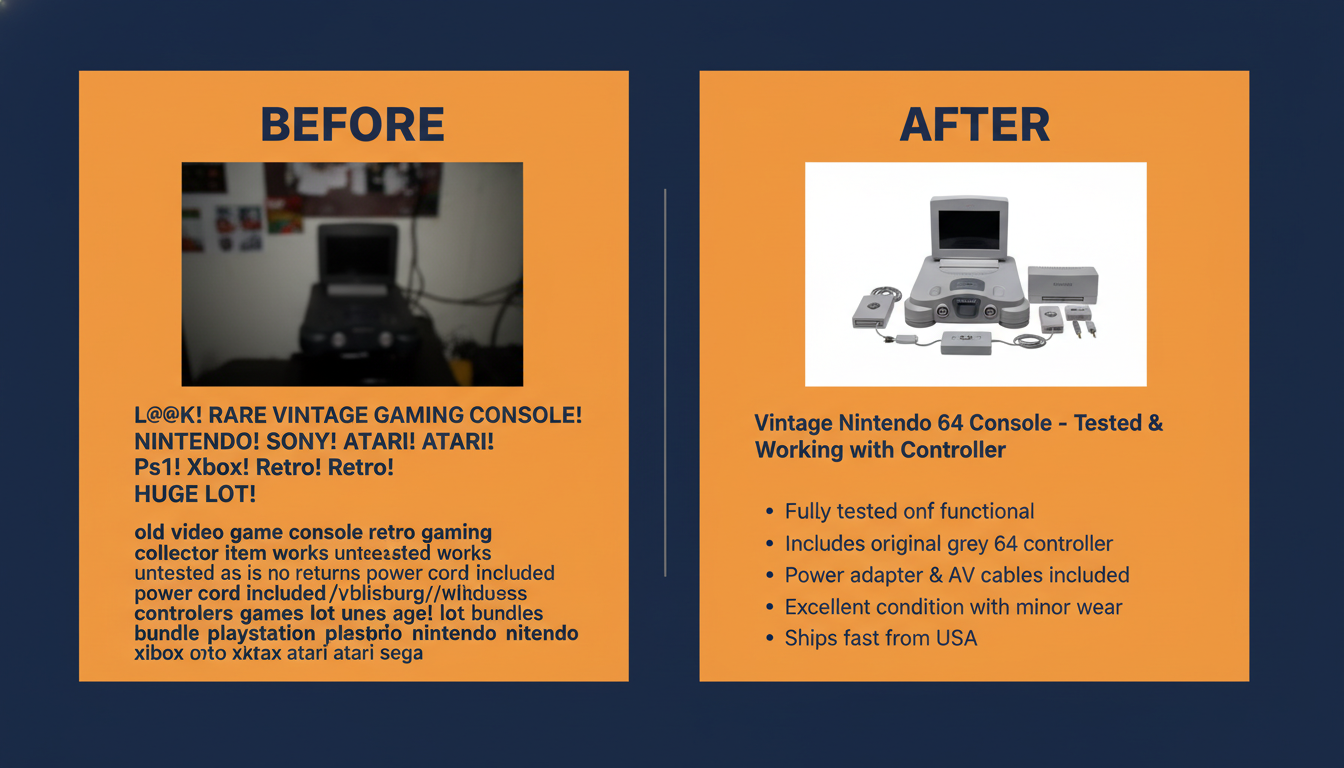
Mistake 3: Wall-of-Text Descriptions
Open eBay on your phone and look at a few listings in any popular category. You will find descriptions that are either completely empty or massive blocks of unformatted text that nobody reads. Both are missed opportunities.
Buyers scan — they do not read paragraphs of text. If your description is one long block, the buyer's eye has nowhere to land, and they skip the whole thing. That means they miss the details that might have convinced them to buy.
Structure your description with clear sections:
- Condition — be specific and honest
- What Is Included — list every accessory
- Dimensions — buyers on mobile cannot estimate size from photos
- Shipping Details — handling time, carriers you use
- Return Policy — clearly stated builds trust
Use short bullet points for specs and features. Put the most important information first. Keep it concise — a well-structured description of 100–200 words beats a 500-word wall of text every time.
Mistake 4: Missing Item Specifics
eBay's search engine, Cassini, uses item specifics as a primary ranking factor. When a buyer searches for 'red Nike Air Max size 10,' Cassini matches those terms against item specifics fields like Brand, Color, Size, and Model. If you have not filled out those fields, your listing is invisible to that search.
A lot of sellers fill in the required item specifics and skip the optional ones. That is leaving visibility on the table. Every item specific you fill in is another way a buyer can find your listing through search filters.
Pay special attention to the fields buyers commonly filter by:
- Brand, Size, Color, Condition, Material
- Category-specific fields like Model Number, Compatible Brand, or Year
These are not just metadata — they directly affect whether your listing appears in search results. As we covered in How eBay's Cassini Algorithm Affects Your Listings, this is the highest-return two minutes you can spend on any listing.
Two extra minutes filling in item specifics can be the difference between appearing on page one of search results and not appearing at all.
Mistake 5: Ignoring the Mobile Experience
Over 70% of eBay browsing happens on phones.
If you have only ever looked at your listings on a desktop browser, you might not realize how they actually look to most of your buyers.
Pull up one of your listings on your phone right now and check for these common problems:
- Is the text readable without pinching to zoom?
- Do your photos look good at smaller sizes?
- Is the video or audio thumbnail large enough to notice and tap easily?
- Are you using HTML tables in your description? (They often break on mobile — avoid them.)
- Are image widths reasonable? A 1200-pixel-wide photo in the description forces horizontal scrolling on phones.
Test your listing on both iOS and Android if you can — the eBay app renders descriptions slightly differently on each platform. The sellers who consistently outperform are the ones who think about the mobile experience first, because that is how most of their buyers are shopping. For a full breakdown, see mobile shopping and product media: what sellers need to know.
Related Articles
Ready to add media to your listings?
Create your free account in under a minute. No credit card required.