
eCommercePlayer's Biggest Update Ever: What's New
A complete rebuild
We've completely rebuilt eCommercePlayer from the ground up — not just the website, but the entire backend system that handles uploads, encoding, and player delivery. The core mission is the same — making it easy to add audio and video to your e-commerce listings — but the experience and quality just got a whole lot better.
Here's a look at everything that's changed.

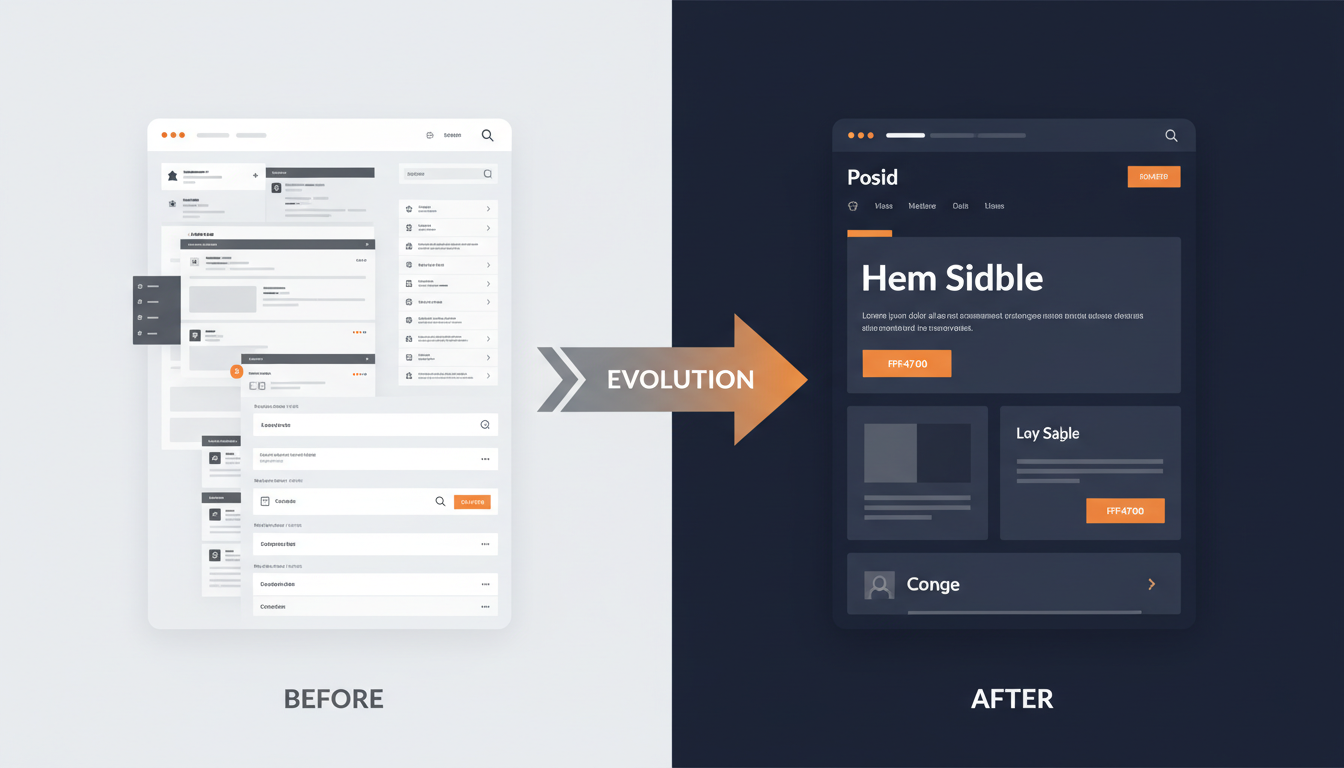
A fresh, modern design
The entire site has been redesigned with a clean, modern interface that works beautifully on any device — phone, tablet, or desktop. We've also added a dark mode toggle for anyone who prefers a darker interface, available on every page.
Drag-and-drop uploads with better quality
Uploading media is now as simple as dragging a file into your browser. We support over 25 video and audio formats, and files upload directly to the cloud for speed.
We've doubled the quality of both video and audio encoding — listings now look and sound significantly better than before.
Whatever format your footage came off of, there is a good chance it works without any conversion.
A smarter media library
The media library now includes search, sorting, and status filters — so finding a specific clip is quick even if you have hundreds. Building a playlist is as easy as dragging clips into the order you want. No more scrolling through an unordered list trying to remember which file is which.
Bulk delete
Built up a library of old clips over the years? Select dozens — or even hundreds — of items at once and delete them all in one go. No more removing them one by one. This was the most-requested quality-of-life improvement from long-time members.
Five ways to share your players
We've expanded from a single embed code to five different sharing methods:
| Method | Best For |
|---|---|
| Video Tag (learn more about adding video to eBay after the active content ban) | HTML5 embed, ideal for eBay listings |
| Embed Code | Responsive iframe for websites and blogs |
| Image Link | Clickable thumbnail that links to your player |
| Text Link | Simple URL for forums or emails |
| Send a player link directly from eCommercePlayer |
Each method includes step-by-step instructions tailored to your selling platform — whether that's eBay, Shopify, WordPress, Wix, Squarespace, or anywhere else. For a walkthrough of the Shopify embed specifically, see how to add product video to your Shopify store.
Pay with PayPal or credit card
Subscriptions are no longer PayPal-only. Stripe has been added as a payment option, so members can pay with any major credit or debit card. Both options are available on the subscription page.
A dedicated account page
Members now have a full account page where they can update their profile, reset their password, manage their subscription, and access their personal referral link — all without needing to contact support.
Faster support
The chat widget has always been there, but response times have improved significantly. Questions about setup, embedding, or billing get answered much faster than before.
Play statistics for every clip
Every player and media clip now displays play counts, so you can see which listings are getting the most views and make smarter decisions about your media. Understanding which videos actually get watched helps you invest your time in the content that converts.
A blog with tips and tutorials
We've launched a blog with guides and ideas for getting more out of your media players — from embedding best practices to creative ways to use audio and video in your listings. Topics include why product video increases sales, how to optimize your eBay listings, and platform-specific guides for sellers.
What's next
We're not done. There's more in the works, and we'll be sharing updates as they roll out. If you're an existing member, log in and take a look around at www.ecommerceplayer.com. If you're new, sign up for free at www.ecommerceplayer.com/signup and see what eCommercePlayer can do for your listings.
Related Articles
Ready to add media to your listings?
Create your free account in under a minute. No credit card required.