
The Complete Guide to Product Video for eBay and Online Auctions
Why Video Sells on eBay
eBay moves over $73 billion in gross merchandise volume annually. That's a staggering amount of competition for every listing. And here's the thing most sellers miss: roughly 60-70% of eBay browsing now happens on mobile phones. Buyers are scrolling thumbnails on a 6-inch screen, making snap decisions about what to tap.
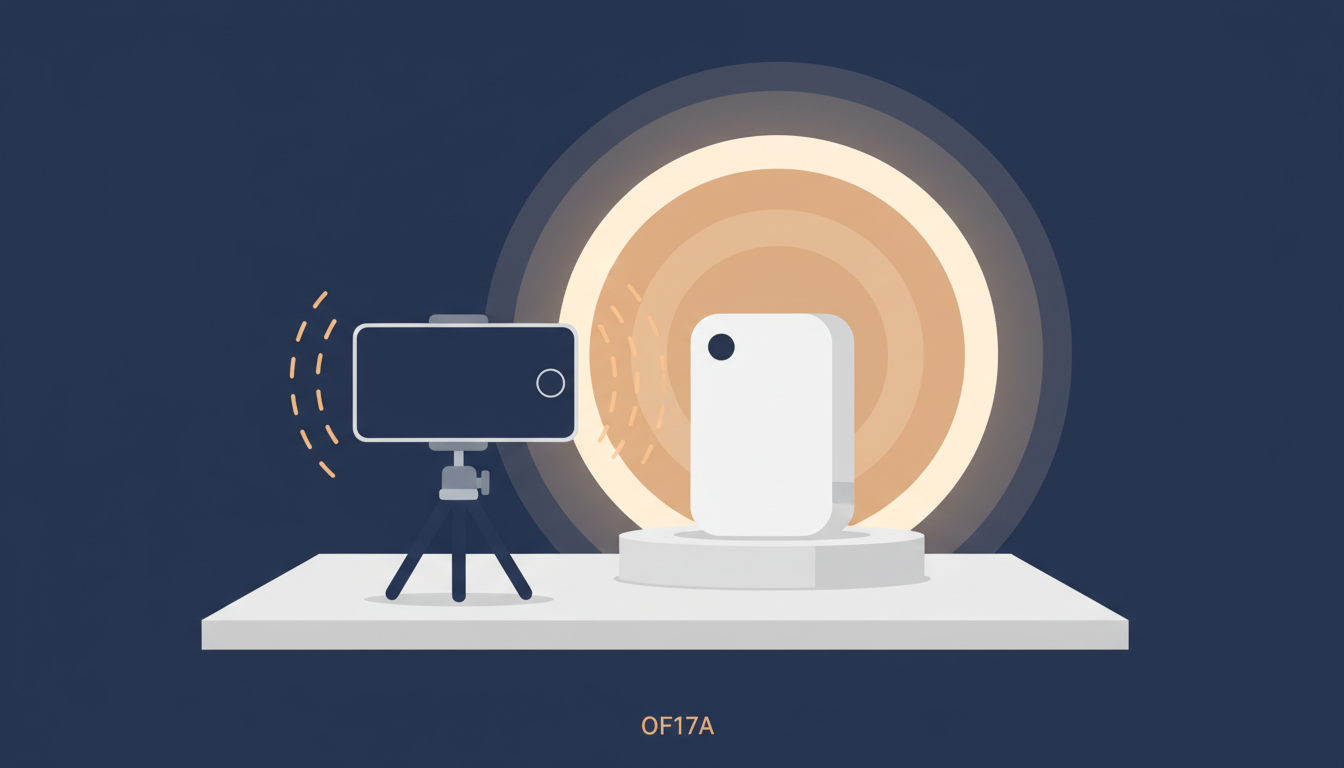
Photos help, but they flatten everything. A photo of a vintage amplifier can't show whether the knobs crackle when you turn them. A photo of a watch dial can't show the sweep of the second hand. A photo of a guitar can't show how it sounds.
Video fills that gap. And the data backs it up:
- Listings with video get 60-80% higher conversion rates versus photo-only listings
- Auction items with video demonstrations average 12-15% higher final bids — buyers feel more confident bidding up when they've seen the item in action
- Return and dispute rates drop significantly when buyers see honest video of condition before bidding
Most eBay sellers don't bother with video because they assume it's complicated or impossible after the active content ban. It isn't. A smartphone, decent lighting, and 10 minutes of setup is all you need.
Category-Specific Shooting Guides
Different items need different video approaches. Here's what works for the most popular eBay categories:
Vintage Electronics & Audio Equipment
- Amplifiers and receivers: Power on, show the warm-up sequence, turn each knob to demonstrate smooth pots vs. scratchy ones. Switch through inputs. If it has VU meters, play music and show them moving.
- Turntables: Show the platter spinning at speed, demonstrate the tonearm tracking, and the cueing lever. Speed accuracy matters to buyers.
- Vintage computers and consoles: Show the boot-up sequence. Nothing builds buyer confidence like seeing a 30-year-old machine POST successfully.
Watches
- Film the dial at an angle to show lume depth. Show the sweep of the second hand — buyers spot quartz vs. mechanical instantly.
- Demonstrate the crown (pull, set, screw down) and clasp operation. For chronographs, run the pushers.
Musical Instruments
Sound is the whole point. Record in a quiet room with your mic close to the instrument. Play a few chords or notes, demonstrate electronics and controls. For electric guitars, show clean and overdriven tones.
Collectible Vinyl Records
- Show the vinyl surface under a light to reveal scratches, scuffs, and pressing flaws. Tilt the record slowly — grading is everything in the vinyl market.
- Film the label and dead wax for matrix numbers. If it's a rare pressing, buyers want to verify it visually.
- For records that play, consider adding an audio preview so buyers can hear the actual pressing.
Antiques & Collectibles
- Slowly rotate to show patina, finish, and condition from every angle — surfaces look different under changing light direction.
- Tilt under a light source for maker's marks, hallmarks, and any damage. Show the bottom, the back, the inside. Buyers of antiques want to see every angle you'd check in person.
Clothing & Fashion
- Show fabric texture up close — drape, weight, and movement that photos can't capture.
- Film tags, labels, and authentication details. Demonstrate stitching on seams and zippers.
- For leather goods, gently flex to show suppleness vs. cracking. For shoes, show the soles.
Smartphone Shooting Setup
You don't need expensive gear. Here's a practical setup under $30:

Stabilization
Get a smartphone tripod — Amazon has solid options from $8 to $15. For small items like watches and jewelry, a tabletop mini tripod (~$10) works even better. Handheld video looks amateur.
Lighting
Natural light is free and it's the best. Shoot near a window with the light coming from the side. For evening shoots, a $12 ring light or a desk lamp with a daylight LED (5000K-6500K) works fine. Avoid overhead fluorescent lights — they cast ugly shadows and give everything a green tint.
Background
Plain white or light gray for most items. A roll of seamless background paper costs $5 at a craft store, or just use a clean white sheet. Dark felt or velvet works well for watches and jewelry.
Camera Settings
- 1080p at 30fps — 4K is unnecessarily large for listing video
- Lock exposure and focus by tapping and holding on the item
- Turn off digital zoom. Move the phone closer instead.
- Landscape for most items, portrait for tall items and maximum mobile screen coverage
If sound matters (instruments, audio equipment, vinyl), shoot in a quiet room with AC and fans off.
How to Get Video Into eBay Listings
Once you've shot your video, you need to get it into your listing. This is where most sellers get stuck, because eBay banned active content (JavaScript, Flash, iframes) from listings in 2017. Here are your options:
| Method | Pros | Cons |
|---|---|---|
| eBay native video | Built-in, appears in photo gallery | Limited to certain categories and seller tiers, strict format requirements, can't customize presentation |
| YouTube link in description | Free, unlimited length | Buyers leave eBay to watch — many won't click. Can't embed the player. Link looks like an afterthought. |
| Hosted player (eCommercePlayer) | Clickable thumbnail in listing, stays within eBay's content rules, mobile-friendly, works in every category | Requires a hosting account (free plan available with 5 clips) |
The Post-Active-Content-Ban Reality
Before 2017, sellers could embed YouTube players directly in eBay listings using iframes. eBay removed that capability to improve mobile performance and security. Since then, there's been no way to embed a video player directly in a listing description.
You can paste a YouTube link, but it's just a text URL or a hyperlink. Buyers have to leave eBay, navigate to YouTube, potentially sit through an ad, and then watch your video. Most don't bother.
The Hosted Thumbnail Approach
The method that works within eBay's current rules uses an <img> thumbnail linked to a hosted player page. Since a standard image tag and a hyperlink are both allowed in eBay descriptions, there's no content policy issue. The buyer clicks the thumbnail, the player opens in a new tab, and the video plays immediately — no ads, no distractions.
For a detailed walkthrough of this method, see How to Add Video to eBay Listings After the Active Content Ban.
Step-by-Step: From Shooting to Live Listing
Here's the complete workflow from recording to a live eBay listing with video:
1. Shoot Your Video
Follow the category-specific tips above. Keep it 30-60 seconds — long enough to show the item properly, short enough that mobile viewers don't bounce. Trim out any dead time at the beginning and end using your phone's built-in editor.
2. Upload to eCommercePlayer
Sign up at ecommerceplayer.com — the free plan includes 5 media clips.
- Click Upload and select your video file (MP4, MOV, or most common formats)
- Create a Player and add your video to it
- Copy the Player URL and the thumbnail image URL from your player page
3. Build Your Listing HTML
In your eBay listing, switch to the HTML view in the description editor and paste:
<a href="https://www.ecommerceplayer.com/p/YOUR-PLAYER-ID" target="_blank">
  <img src="https://your-thumbnail-url.jpg" alt="Watch product video" style="max-width:100%;">
</a>
<br>
▶ Click to watch product video (30 sec)
Replace the URLs with your actual player and thumbnail links. The parenthetical duration sets expectations — buyers are more likely to click when they know it's short.
4. Position, Preview, and Test on Mobile
Place the video thumbnail near the top of your description — buyers decide whether to keep reading within seconds. Preview the listing to confirm the thumbnail displays and the link works.
Then open your listing on your phone through the eBay app. Tap the thumbnail and make sure the video loads and plays. If 60-70% of your buyers are on mobile, your video needs to work perfectly there.
Mobile Optimization Checklist
Since most eBay buyers browse on their phones, optimize everything for mobile:
- Keep videos under 60 seconds. Mobile users have short attention spans and may be on cellular data. 30-45 seconds is the sweet spot for product demonstrations.
- Shoot vertical or square format. Vertical (9:16) fills the phone screen. Square (1:1) is a good compromise if you also list on other platforms. Landscape (16:9) wastes half the mobile screen.
- Make thumbnails eye-catching. Choose a frame that clearly shows the product with a visible play button overlay. The thumbnail is your video's billboard — if it doesn't look interesting, nobody clicks.
- File size matters. A 30-second 1080p video should be under 50MB. If your file is larger, trim unnecessary footage or reduce to 720p. Large files mean slow loading on mobile networks.
- Test on cellular data, not just WiFi. If your video takes more than 3-4 seconds to start, the file is too large.
- Add clear call-to-action text. Include "▶ Click to watch product video" below thumbnails so buyers know the image is clickable.
- Don't rely on audio. Many mobile users browse with sound off. Your video should work on mute — make condition and functionality visually obvious.
Quick Reference
| Setting | Recommended |
|---|---|
| Duration | 30-60 seconds |
| Resolution | 1080p (720p acceptable) |
| Orientation | Vertical (9:16) or Square (1:1) |
| File size | Under 50MB |
| Format | MP4 (H.264) |
| Frame rate | 30fps |
That's it. Good product video on eBay isn't about production quality — it's about showing buyers exactly what they're bidding on. Shoot honest, well-lit video of your items, keep it short, and get it into your listings. Your bids will thank you.
The free plan on eCommercePlayer gives you 5 clips to test the workflow on your most important listings.
Related Articles
Ready to add media to your listings?
Create your free account in under a minute. No credit card required.