
How Northern Soul Vinyl Sellers Use Audio Previews to Sell More Records
Photos Can't Tell You How a Record Sounds
If you sell vinyl records online, you already know the ritual. You photograph the label, the runout grooves, the sleeve condition. You describe the pressing in detail — "UK original, Tamla Motown TMG 694, solid VG+ with light surface marks." You grade it honestly and hope the buyer trusts your ears.
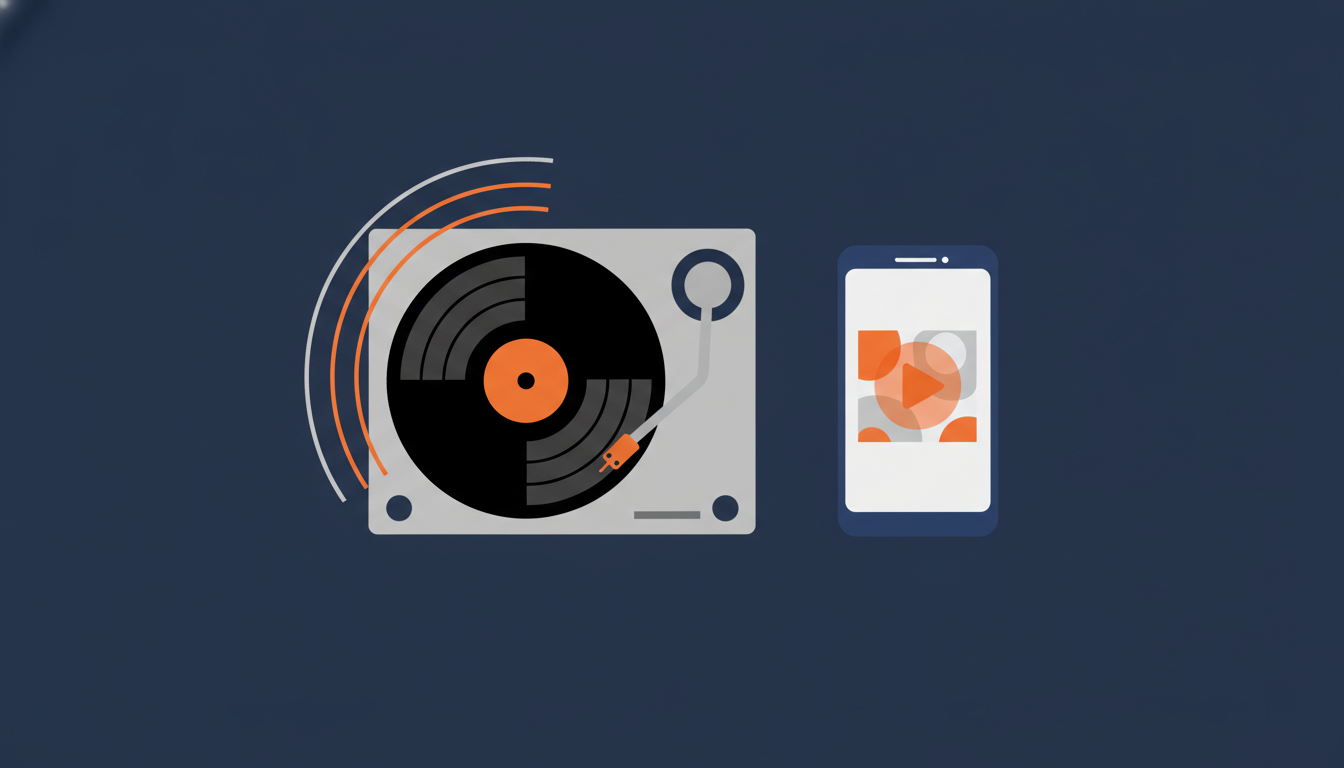
But here's the thing: no amount of text grading can tell a buyer what the record actually sounds like. Is there a skip at the 2:30 mark? How bad is the surface noise on the quiet intro? Does the bass hold up on that notoriously hot pressing?
For most vinyl listings on eBay, the buyer is making a bet. They're reading your grading, looking at photos of the vinyl under a light, and hoping for the best. When the record arrives and doesn't sound the way they imagined, you get a return request — and everyone's time is wasted.
There's a better way.
What Northern Soul Sellers Figured Out Years Ago
The Northern Soul collecting community has always been ahead of the curve when it comes to online record selling. On forums like Soul Source — the UK's largest Northern Soul community, running since 1997 — sellers have been embedding audio players in their sale threads for years.
The idea is simple: record a short clip of the actual vinyl playing, upload it, and embed an audio player right in the listing. The buyer clicks play, hears the condition of the pressing with their own ears, and makes a decision based on what the record actually sounds like — not just what someone typed about it.
This matters more in Northern Soul than almost any other genre. These are records where the difference between a VG and VG+ pressing can be hundreds of dollars. A clean original pressing of Frank Wilson's "Do I Love You" or Dean Parrish's "I'm On My Way" isn't something you buy on faith. You want to hear it first.
Soul Source sellers who embed audio previews in their forum listings report that buyers commit faster and disputes are rare. When someone's already heard the surface noise and decided it's acceptable, there's no unpleasant surprise when the record arrives.
Why eBay Doesn't Make This Easy (And How to Do It Anyway)
eBay banned active content — JavaScript, Flash, iframes — from listings back in 2017. That killed most of the old methods sellers used to embed media. If you search the eBay Community forums, you'll find thread after thread of sellers asking "how do I add audio to my listing?" with no satisfying answer.
The workarounds people suggest are clunky:
- YouTube links — you record a phone video of the record playing, upload it, and paste a link. The buyer has to leave eBay, open YouTube, and watch a shaky video. Not great.
- Self-hosted HTML5 audio — technically possible if you have a web server and know raw HTML. Most sellers don't.
- Third-party file hosts — upload an MP3 to a free host, get an embed code, hope the host doesn't go down or add ads.
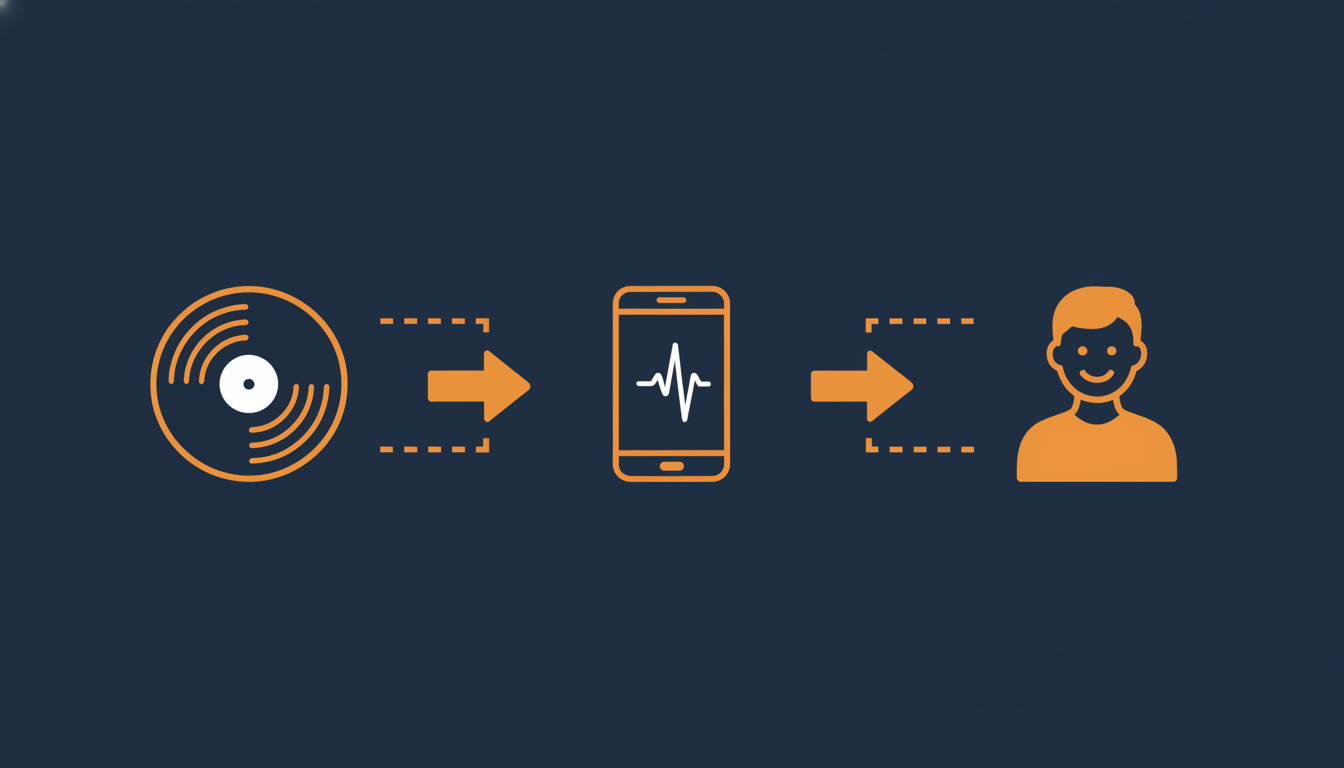
The approach that actually works is using an <object> tag embed, which eBay still allows. This is how eCommercePlayer works: you upload your audio clip, get an embed code, paste it into your eBay listing's HTML, and the buyer sees an inline audio player. No iframes, no JavaScript, no leaving eBay.
The player loads inside the listing itself. The buyer scrolls down, sees the player, clicks play, and hears the record. It works on desktop and mobile.
How Vinyl Sellers Set Up Audio Previews
The workflow takes about two minutes per record:
- Record the vinyl playing. Use your phone, a USB turntable, or a line-out from your preamp. A 30-60 second clip of the most representative section is plenty — you don't need to record the whole side.
- Upload the audio file. MP3, WAV, or M4A. The file gets encoded automatically.
- Copy the embed code. It's an HTML snippet — looks like
<object data="..."></object>. - Paste into your eBay listing. Switch to HTML view in the listing editor, paste the code where you want the player to appear.
- Done. The audio player shows up in your listing. Buyers can click play right there.
For sellers listing in batches — and most serious vinyl sellers list in batches — you can upload all your clips at once and create players for each. If you're listing 20 records a week, the audio step adds maybe 30 minutes to your total workflow.
The free plan covers 5 clips, which is enough to test with your most valuable pressings and see how buyers respond.
Beyond eBay: Forum Listings and Discogs
eBay isn't the only place vinyl changes hands. Collector forums like Soul Source, Steve Hoffman Forums, and Soul Strut all have active buy/sell sections. The embed code works in any context that accepts HTML — forum posts, personal websites, or anywhere you list records.
On Discogs, the marketplace doesn't support embedded players in listings. But sellers who maintain a personal site or blog to showcase their inventory can embed players there and link from their Discogs shop. The same goes for Reverb LP — while the platform itself doesn't allow custom HTML, you can direct interested buyers to a page with audio samples.
The sellers getting the most out of audio previews tend to be the ones selling high-value pressings where condition is everything. Northern Soul, jazz, psych, and early reggae are the sweet spots — genres where collectors are willing to pay premiums for the right pressing in the right condition, and where hearing the record is the difference between a sale and a scroll-past.
Let Buyers Hear What They're Buying
The vinyl collecting community has always been about the music first. An audio preview doesn't replace honest grading — but it backs up your grading with proof. A buyer who's heard your VG+ assessment with their own ears is a confident buyer. Confident buyers pay asking price, don't haggle as hard, and don't file returns.
If you're listing rare vinyl and relying on photos and text alone, you're leaving money on the table. The Northern Soul community figured this out years ago. The rest of the vinyl world is catching up.
Try it with your next listing — upload a clip of your best pressing and see how buyers respond. Five clips are free.
Related Articles
Ready to add media to your listings?
Create your free account in under a minute. No credit card required.