
Why product video helps eBay buyers
Photos establish condition, but motion answers a different set of questions. A short video can show a turntable starting cleanly, a camera shutter firing, an instrument producing sound, or an articulated collectible moving through its range.
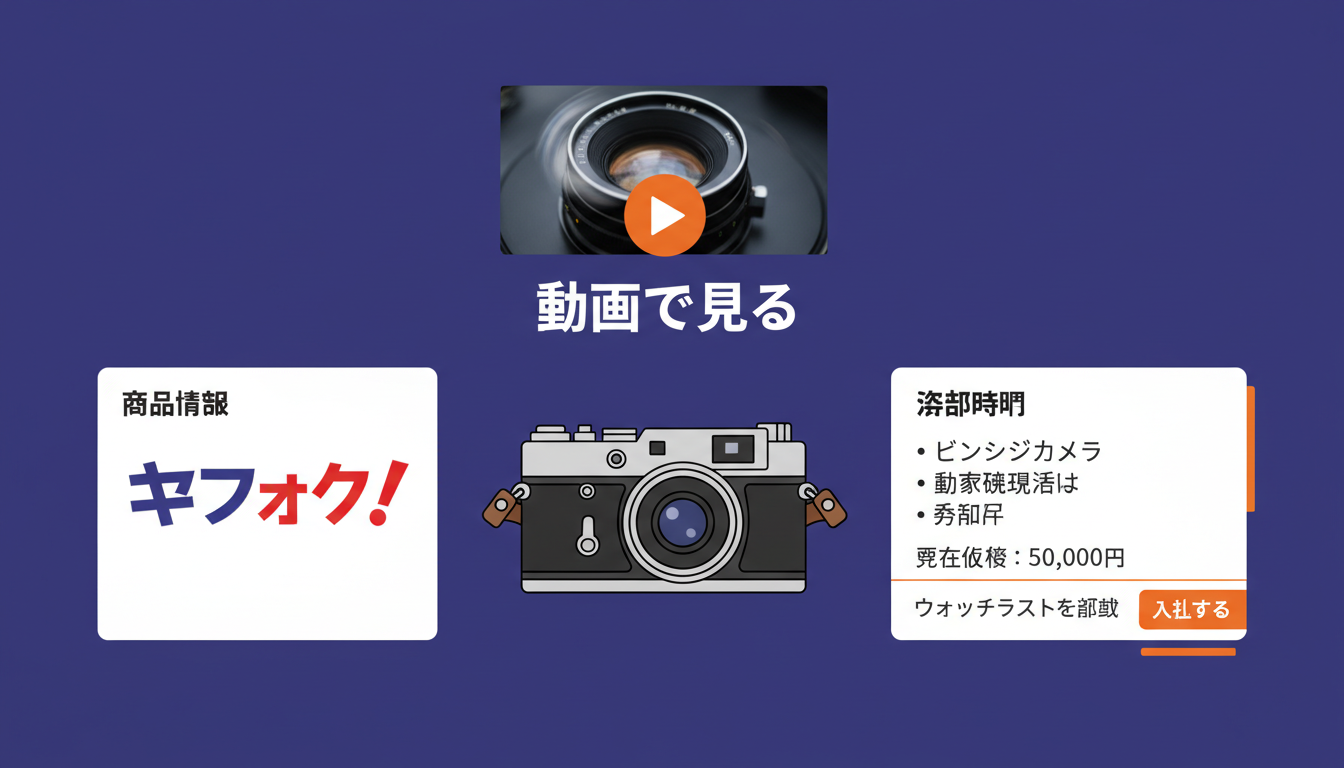
Keep the clip focused on the exact item for sale. Show defects as clearly as features, avoid unrelated promotional footage, and repeat critical condition facts in the written description. The video supports the listing; it should not hide information a buyer needs before purchasing.
Choose the safest video path first
eBay provides a native listing-video uploader. That is the safest default because eBay controls the upload, review, playback, and placement. Use it when it is available in your listing flow.
If you host media with eCommercePlayer, the player menu can generate an HTML5 Video Tag for an eBay description. It is a native <video> element with a direct media URL. It does not use JavaScript, an iframe, or a clickable branding link.
That technical difference does not guarantee that every eBay category, listing flow, device, or future policy will render externally hosted video. Treat the tag as a preview-tested option, not a promise. If eBay strips it or the saved listing does not play it, use eBay's native listing-video uploader.
Add an eCommercePlayer Video Tag cautiously
Use this workflow when you want to test the direct-media option:
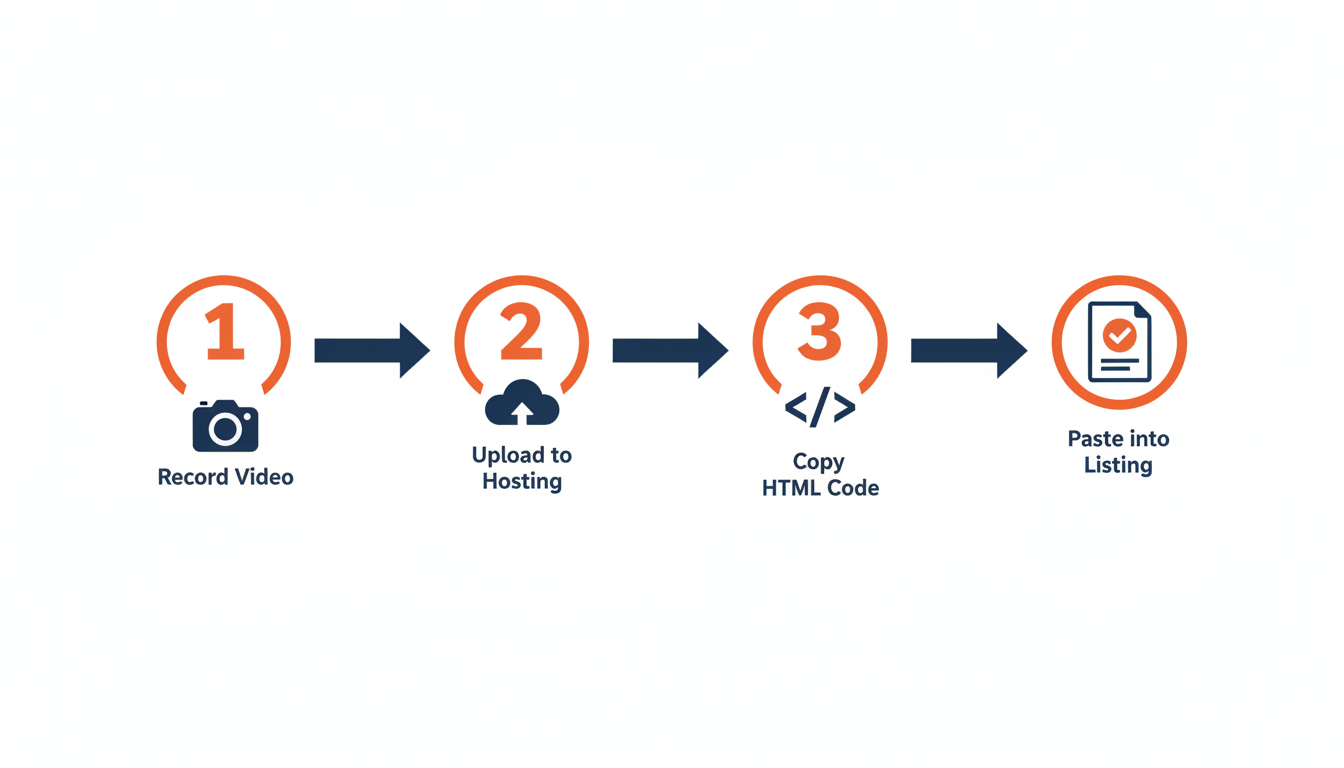
- Upload the product clip to eCommercePlayer and wait for processing to finish.
- Open the player that contains the clip.
- Choose Video Tag from the player menu and copy the generated HTML.
- In eBay's listing editor, switch the description to its HTML editing mode and paste the tag where the video should appear.
- Save the listing as a draft.
- Preview the saved draft on desktop and mobile. Do not rely only on the editor canvas.
- If the video is missing, blocked, or inconsistent, remove the tag and use eBay's native listing-video uploader.
The generated tag includes browser fallback text and plain eCommercePlayer branding. It should not contain a branding anchor or ask buyers to leave eBay to play the clip.
Prepare a clip that works in a listing
A useful eBay product video is usually short and specific. Start with a clear view of the entire item, then demonstrate the feature that is difficult to prove with photographs. Finish with flaws, identifiers, and included accessories.
Before uploading:
- Remove personal information, packing labels, and unrelated background audio.
- Use steady light and a stable camera.
- Show serial numbers only when that is appropriate for the product and fraud risk.
- Avoid claims that the video cannot prove.
- Keep a copy of the source file in case you need to switch from the Video Tag to eBay's native uploader.
Preview the final saved listing after every material edit.
Do not reuse the same instructions for Etsy
Marketplace media rules are not interchangeable. Etsy listings use Etsy's native listing-video uploader, and Etsy removes audio from those clips. An eBay Video Tag, external audio player, media link, clickable thumbnail, or QR workaround should not be presented as an Etsy listing feature.
You can still use eCommercePlayer on a seller-controlled website or another channel that explicitly accepts its media format. For Etsy, plan a short silent visual demonstration and follow Etsy's current upload limits. For eBay, either use eBay's native uploader or test the direct-media HTML5 Video Tag in a saved draft with the native uploader as fallback.
Final pre-publish checklist
Before making the eBay listing live, confirm:
- The written description includes condition, defects, measurements, and included items.
- The clip shows the exact product and does not contradict the description.
- The saved-draft preview renders correctly on desktop and mobile.
- No scripts, iframes, external-player links, or clickable branding were introduced.
- You are ready to switch to eBay's native listing-video uploader if the direct-media tag does not render.
This keeps the guidance honest: eCommercePlayer can provide the media file and a conservative HTML5 tag, while eBay remains the authority on what its current listing flow accepts.
Related Articles
Ready to add media to your listings?
Create your free account in under a minute. No credit card required.